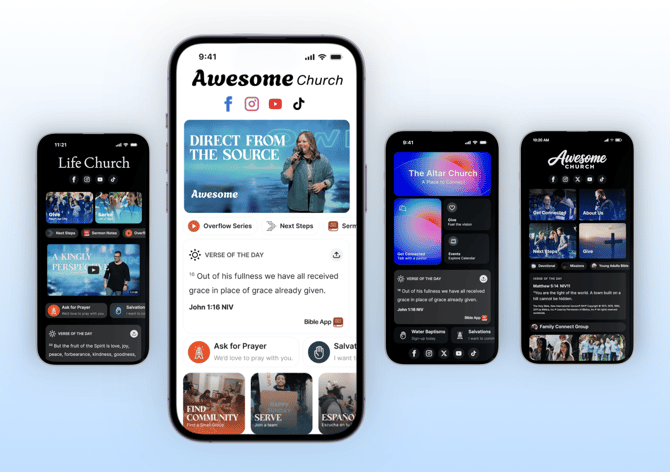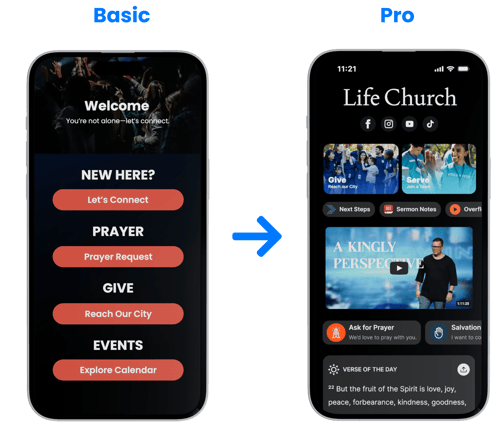
Begin by Scanning Your Church’s Website
You don’t have to start from scratch.
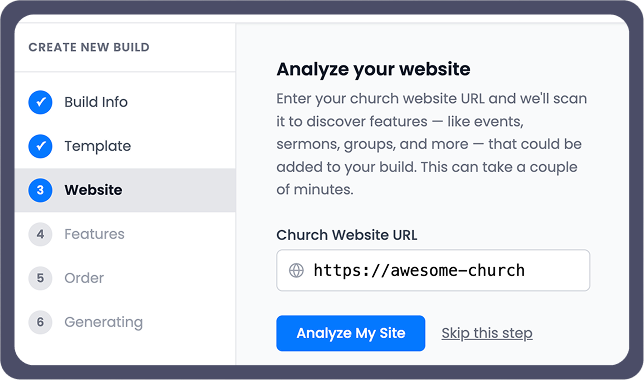
VisitorTap Pro Builder allows you to begin by scanning your church’s website. In just a few moments, it pulls in your existing links, pages, and content—like sermons, events, giving, and ministries—and organizes them into a structured starting point.
From there, you can choose how you want to build.
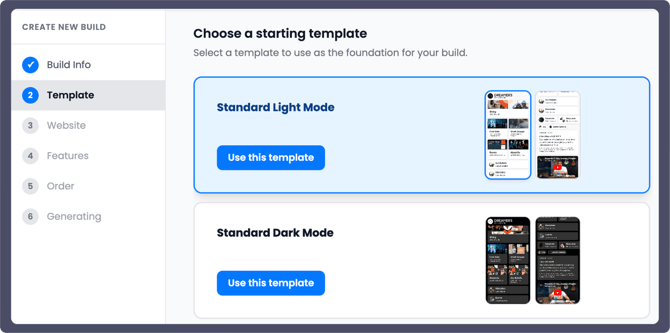
Start with a pre-built template for a faster setup, or build your experience from the ground up. Either way, the scan gives you a strong foundation so you’re not manually adding every link or section.
Choose What You Want to Feature
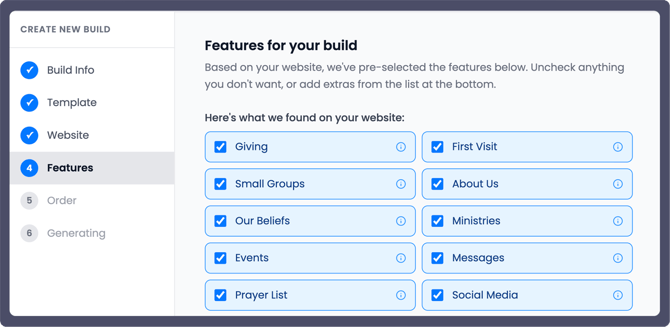
Once your site is scanned, the VisitorTap Pro Builder automatically identifies key features from your church’s website.
You’ll find sections like:
- Giving
- First Visit
- Next Steps
- Small Groups
- About Us
- Social Media
From there, you can choose what you want to include and shape the experience around what you want people to see first.
Organize the Journey
After selecting your content, you can arrange it in the order you want people to experience it.
This allows you to guide someone intentionally:
- Where should a new visitor start?
- What should they see next?
- What step do you want them to take?
Instead of a random list of links, you’re creating a clear and thoughtful path forward.
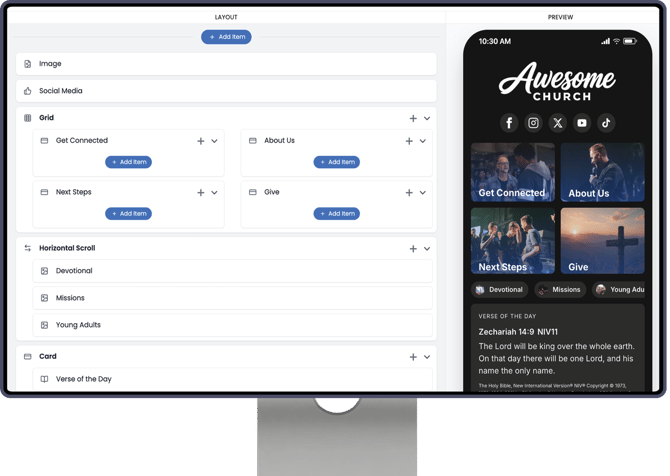
You can also enhance that journey by adding engaging content along the way. Embed your YouTube sermons or videos directly into the experience so people can watch without leaving the page. You can even include the YouVersion Verse of the Day, giving visitors a fresh, relevant scripture each time they open it.
See It Before You Share It
As you build, you’ll see a live preview of your experience exactly as someone on their phone would see it.
This allows your team to:
- Make adjustments in real time.
- Ensure everything feels clear and easy to navigate.
- Create an experience that feels natural from the very first interaction.
Fully Customizable to Reflect Your Church’s Branding
VisitorTap Pro Builder gives you more than just a layout—it gives you the ability to also create an experience that truly reflects your church’s identity.
With advanced, built-in theme settings, you have the option to fine-tune every detail of how your experience comes together:
- Define your brand colors for consistency across every section
- Choose fonts that reflect your voice and personality
- Adjust layout, spacing, and overall style for clarity and flow
- Customize how elements like buttons, cards, and content sections appear
These settings are optional—but there when you want more control, helping you create a cohesive experience that reflects your church.
How to Upgrade to VisitorTap Pro
Ready to unlock more with VisitorTap Pro? You can submit an upgrade request right from your VisitorTap dashboard.
- Click Account in the left-hand menu.
- Under Manage VisitorTap, select Change VisitorTap Subscription Plan.
- Add any additional comments for our team, if needed.
- Click Submit Request.
Our Customer Success team will process your request and reach out to you if needed. Your new monthly subscription rate will begin on your next billing date.